App store screenshots,
designed in minutes.
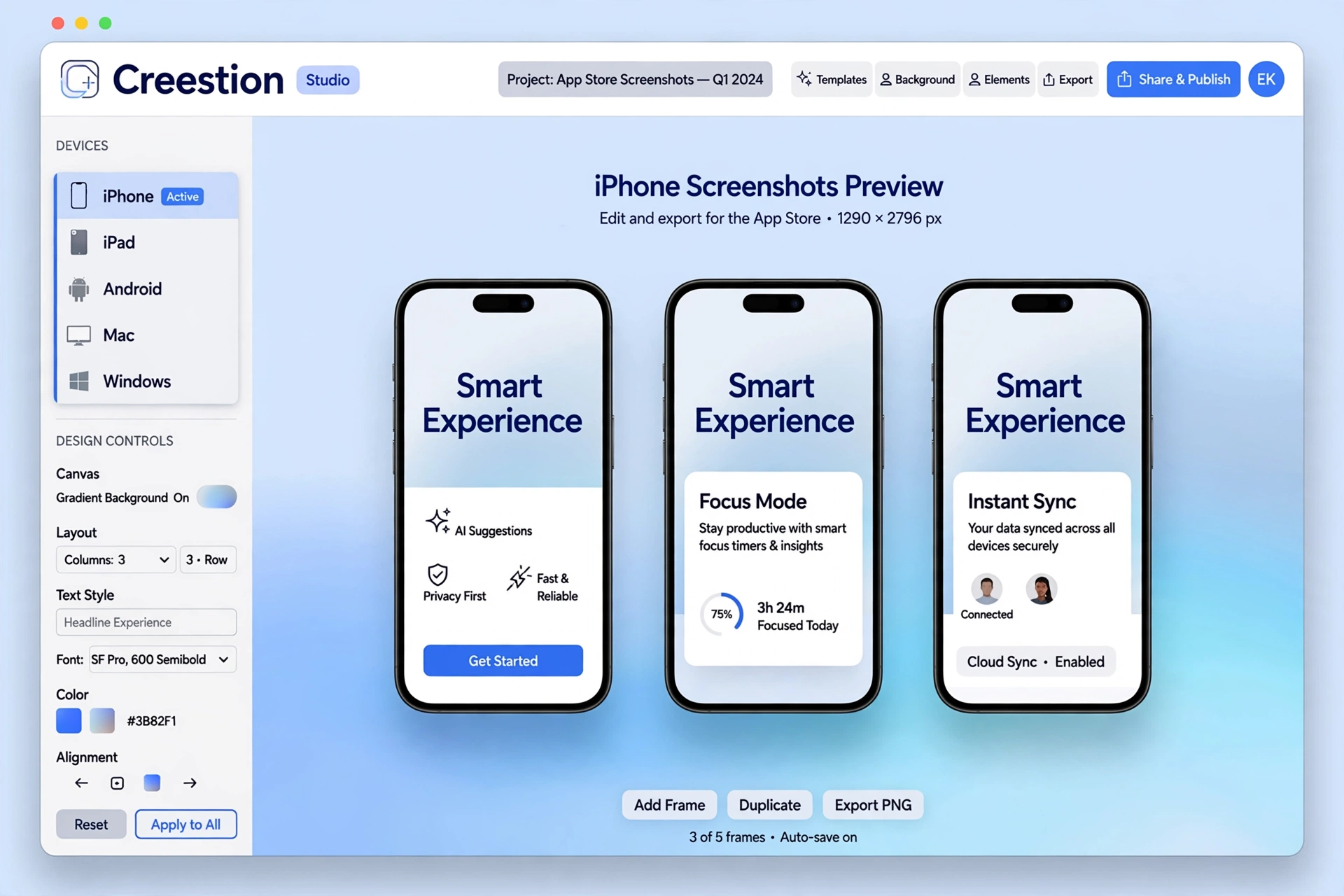
Creestion is a free manual studio for beautiful store listings. Upload your app's screenshots, arrange them on exact-size canvases for iPhone, iPad, Android, Mac, and Windows — then export full-resolution PNGs.
Runs 100% in your browser. Your screenshots never leave your device.
Everything you need for a store-ready listing
No design skills required. No subscriptions. Just your screenshots and a browser.
Exact store canvases
Pixel-perfect canvas sizes for the App Store, Google Play, Mac App Store, and Microsoft Store. What you design is what you upload.
Upload your screens
Drop in PNG screenshots per scene. Replace or delete anytime — your files stay in your browser, never on a server.
Edit headlines in place
Click any headline or subheading to rewrite it live on the tile. Drag layers to fine-tune the composition.
Built-in templates
Magazine-style layouts, fonts, backgrounds, and device frames included — or go frameless for desktop stores.
One-click ZIP export
Export every scene as a full-resolution PNG, zipped per device. No watermark, no account, no limits.
Private by design
No signup, no tracking pixels in the studio, no uploads. Your work never leaves your device.
How it works
Upload screenshots
Add a scene per screenshot and drop in your app's PNGs — or start from the demo set.
Edit the design
Pick a device canvas, choose a template, rewrite headlines in place, drag layers into place.
Export the set
Download full-resolution PNGs as a ZIP, ready to upload to the store.
One studio, every store
Each canvas matches its store's required size exactly — pick your device and start designing.
Frequently asked questions
What is Creestion?
Creestion is a free, manual screenshot studio for app stores. Upload your app's screenshots, arrange them on exact-size store canvases, edit headlines and subheadings, and export full-resolution PNGs — all in your browser.
Which stores and devices are supported?
Five canvases: iPhone (App Store, 1320×2868), iPad (App Store, 2064×2752), Android (Google Play, 1080×1920), Mac (Mac App Store, 2880×1800), and Windows (Microsoft Store, 3840×2160).
Is Creestion free? Do I need an account?
Completely free, no account, no watermark. Everything runs locally in your browser — your screenshots are never uploaded to any server.
What sizes do the exports come in?
Exports are pixel-exact PNGs at each store's required canvas size — e.g. 1320×2868 for iPhone, 3840×2160 4K for Windows. Download one ZIP per device with every scene inside.
Can I edit the text on my screenshots?
Yes. Click any headline or subheading on a tile to edit it in place — Enter saves, Escape cancels. You can also drag layers to nudge their position.
Does it work on mobile?
Yes. The studio is fully responsive — the settings live in a slide-in drawer and tiles are touch-friendly, so you can design from your phone too.
Your listing deserves better screenshots.
Open the studio and design your first set in minutes — free.
Open the Studio