Google Play Screenshot Maker
Ship a Play Store listing that converts. Creestion's Android canvas is the 1080×1920 size Google Play asks for — add your screens, write benefit-led headlines, and export up to 8 screenshots in one ZIP.
Google Play requirements, handled
| Canvas size | 1080 × 1920 px |
|---|---|
| Device | Play phone |
| Aspect ratio | 9:16 |
| Store | Google Play |
| Screenshots per listing | 8 |
| Export format | PNG · JPEG |
Examples
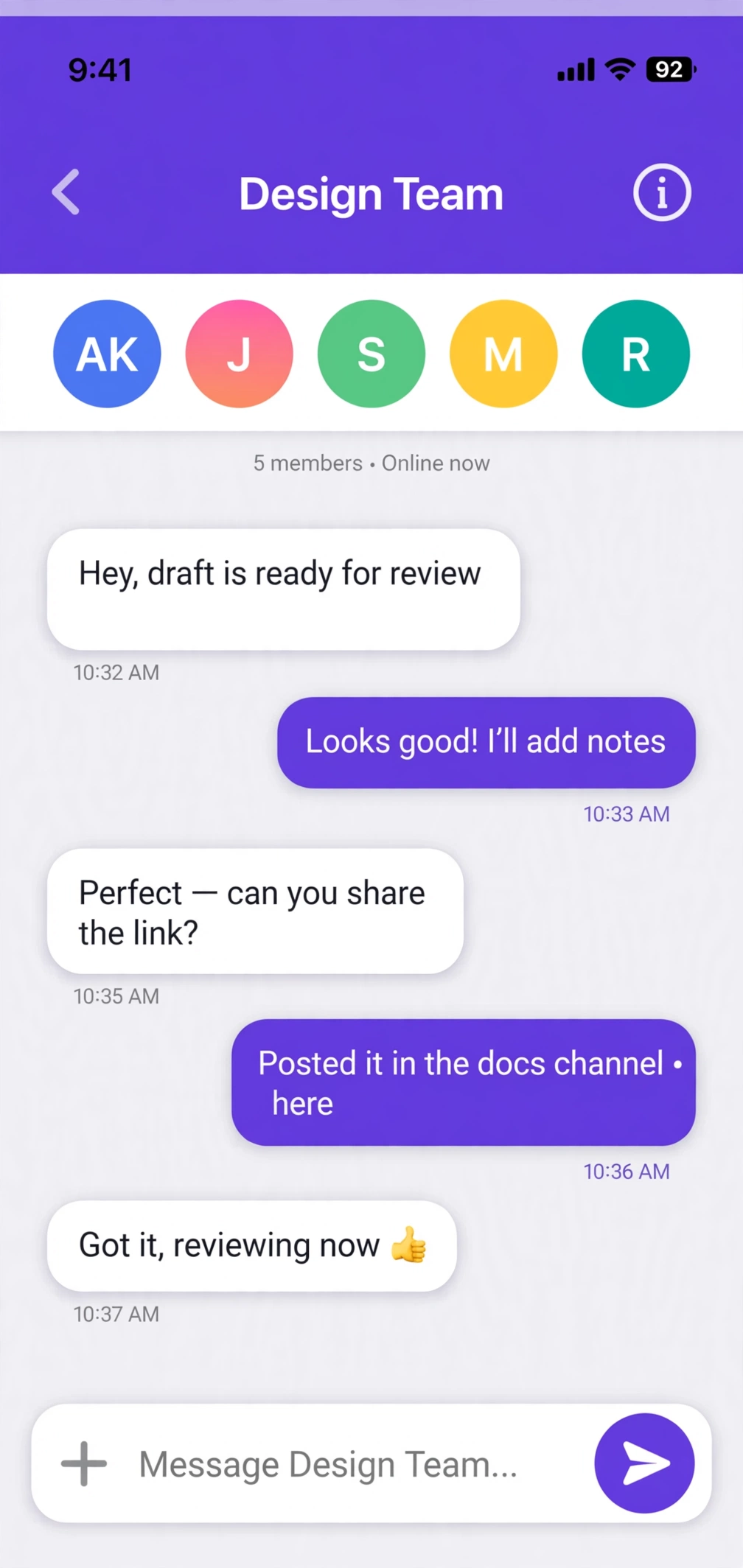
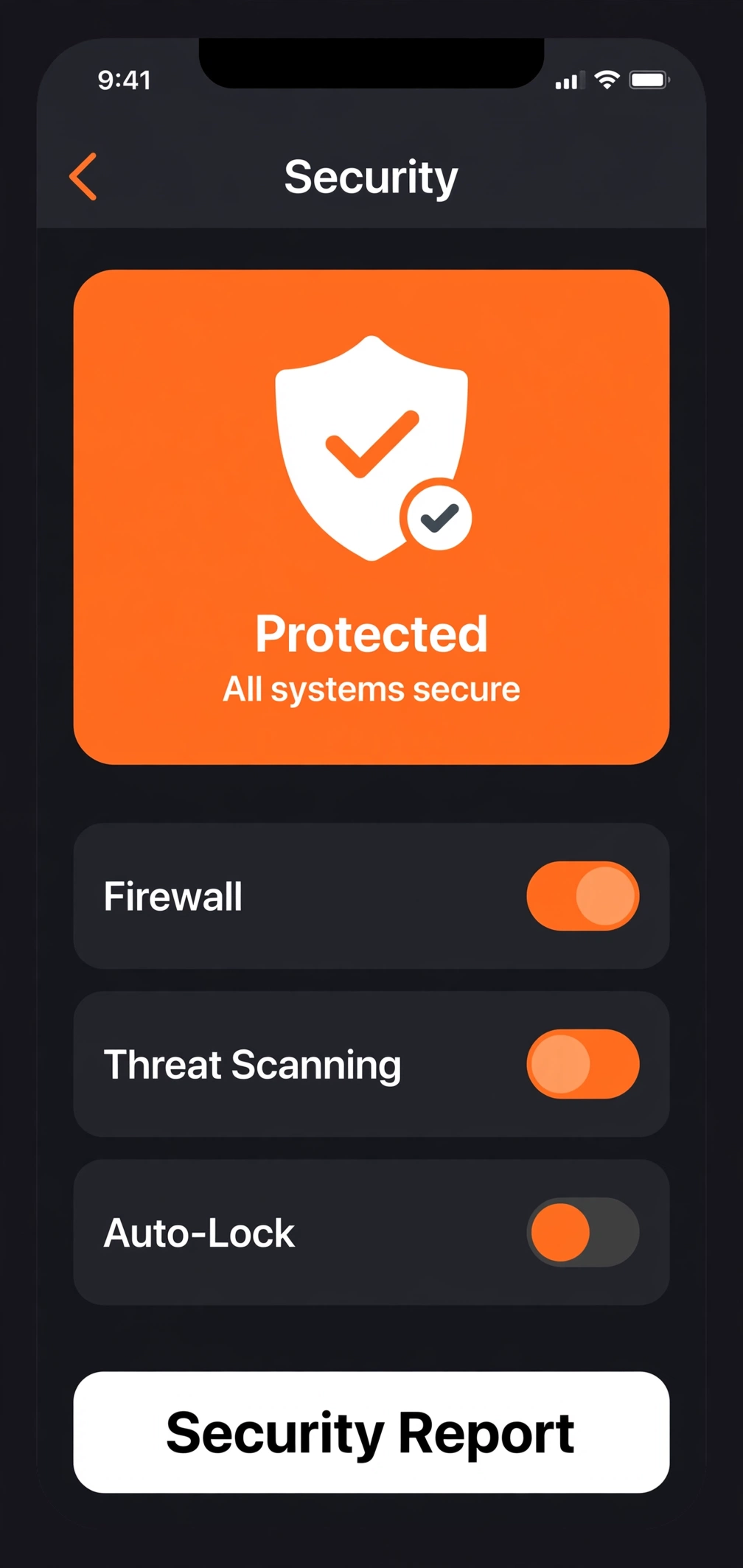
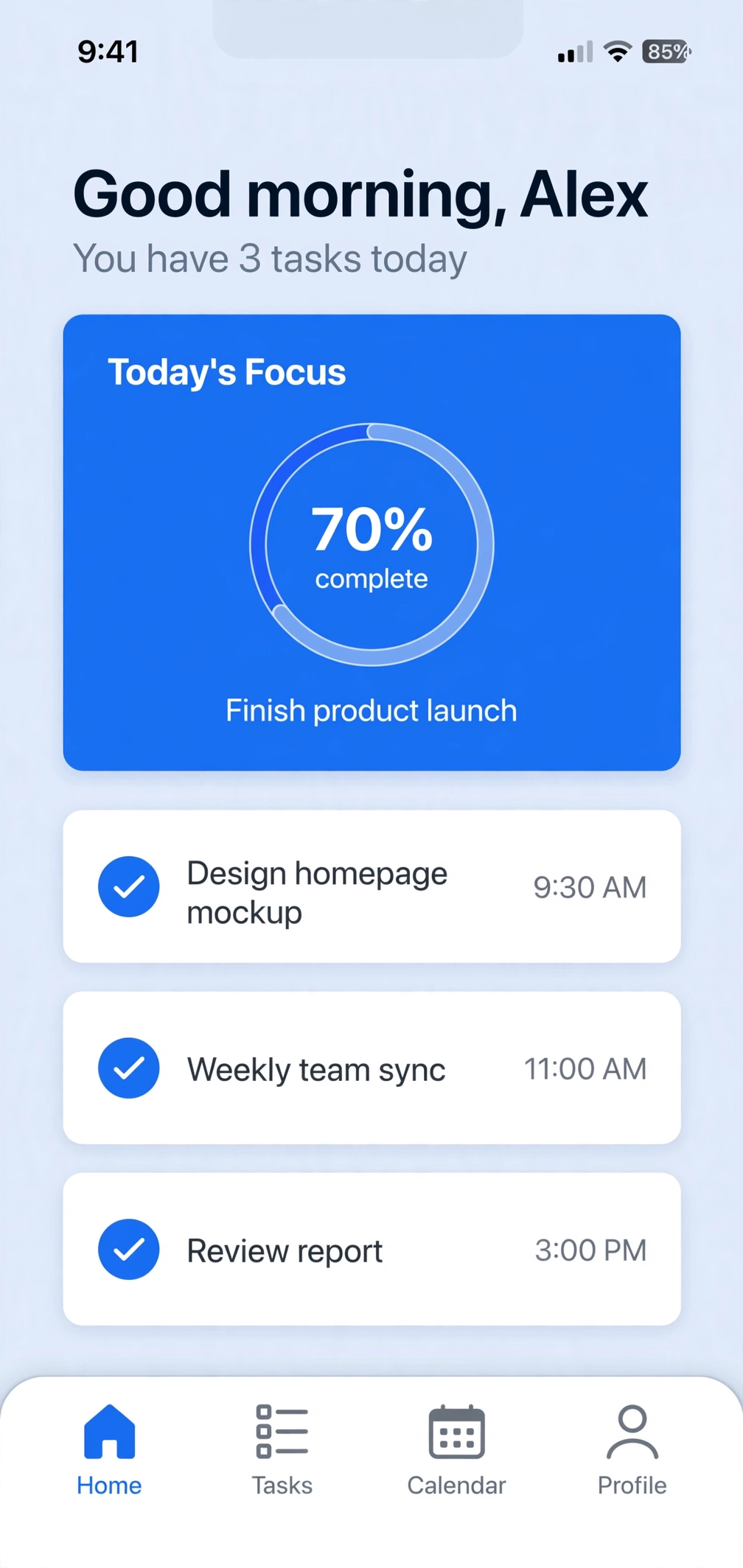
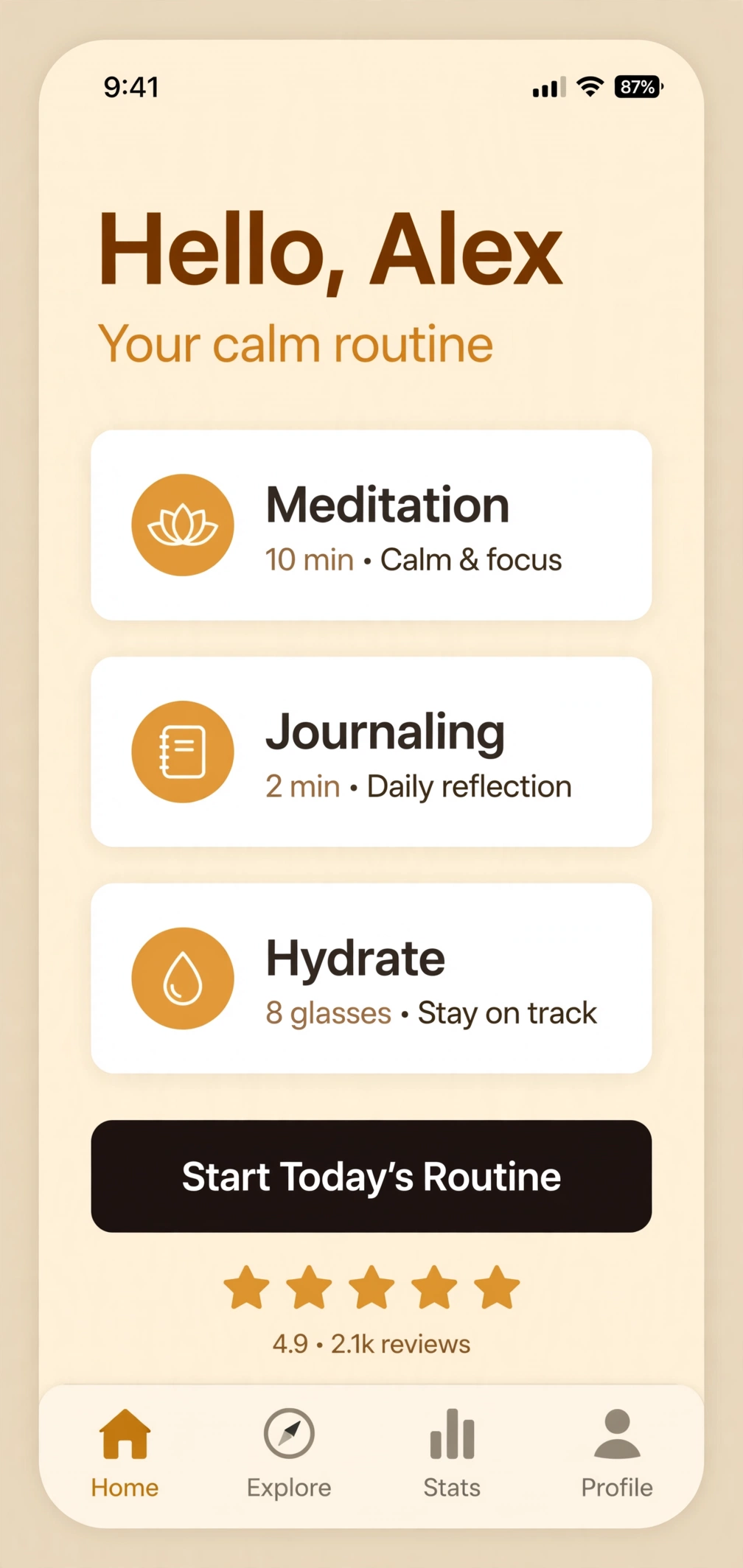
How to make Android screenshots
Upload screenshots
Add a scene per screenshot and drop in your app's PNGs — or start from the demo set.
Edit the design
Pick a device canvas, choose a template, rewrite headlines in place, drag layers into place.
Export the set
Download full-resolution PNGs as a ZIP, ready to upload to the store.
Android FAQs
What size should Google Play screenshots be?
Google Play asks for a minimum of 1080×1920 px (9:16). Creestion's Android canvas is exactly 1080×1920, and exports are full resolution.
How many screenshots does Google Play allow?
Up to 8 screenshots per listing. Design the full set in Creestion and export them together.
Where do my uploaded screenshots go?
Nowhere — everything happens locally in your browser. Creestion has no server, no account, and no upload queue.