iPhone App Store Screenshot Maker
Creestion builds pixel-perfect iPhone screenshots for your App Store listing. Start from the exact 1320×2868 canvas Apple expects for the 6.9-inch display, drop in your app screens, write headlines that sell, and export print-sharp PNGs.
Apple App Store requirements, handled
| Canvas size | 1320 × 2868 px |
|---|---|
| Device | iPhone 6.9" |
| Aspect ratio | 19.5:9 |
| Store | Apple App Store |
| Screenshots per listing | 10 |
| Export format | PNG · JPEG |
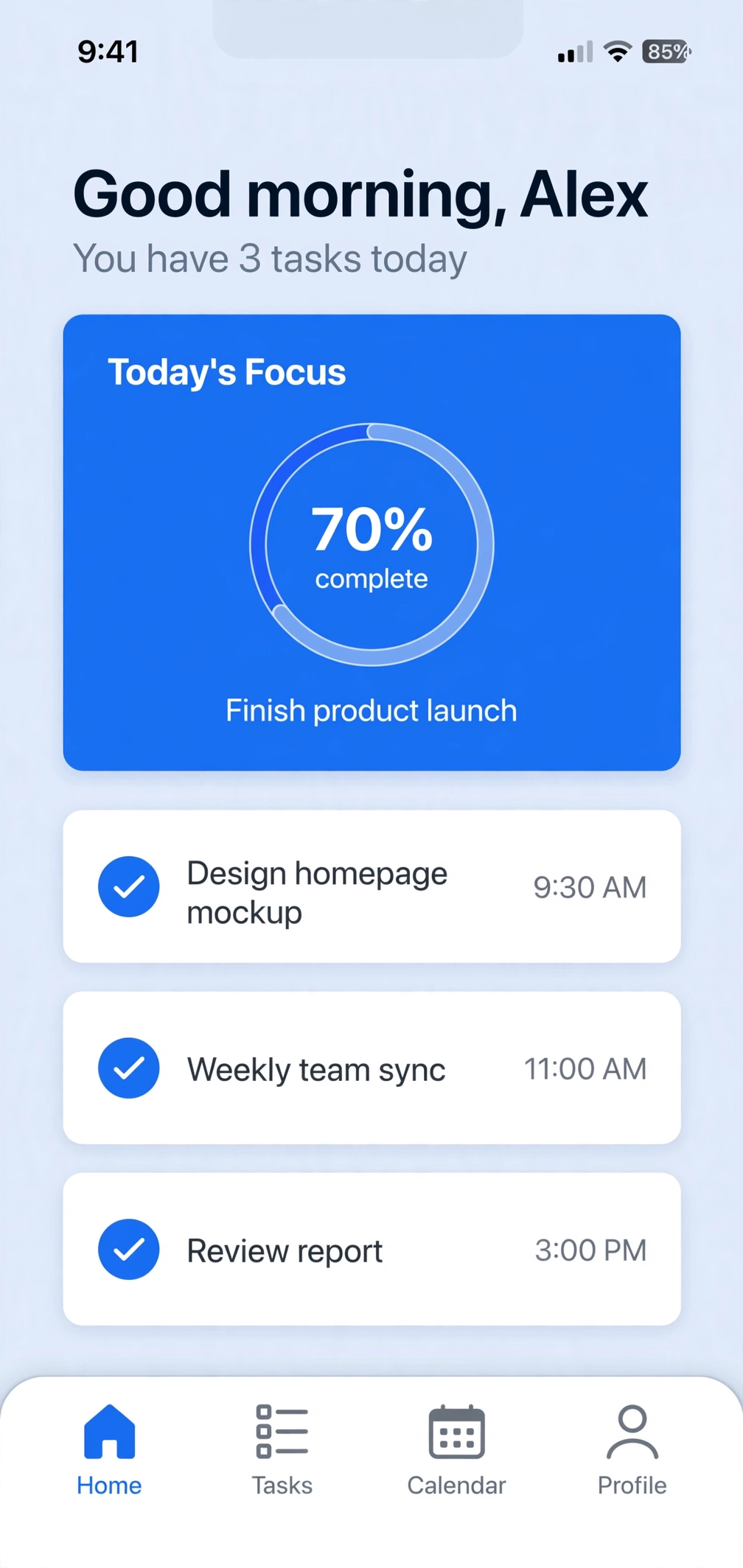
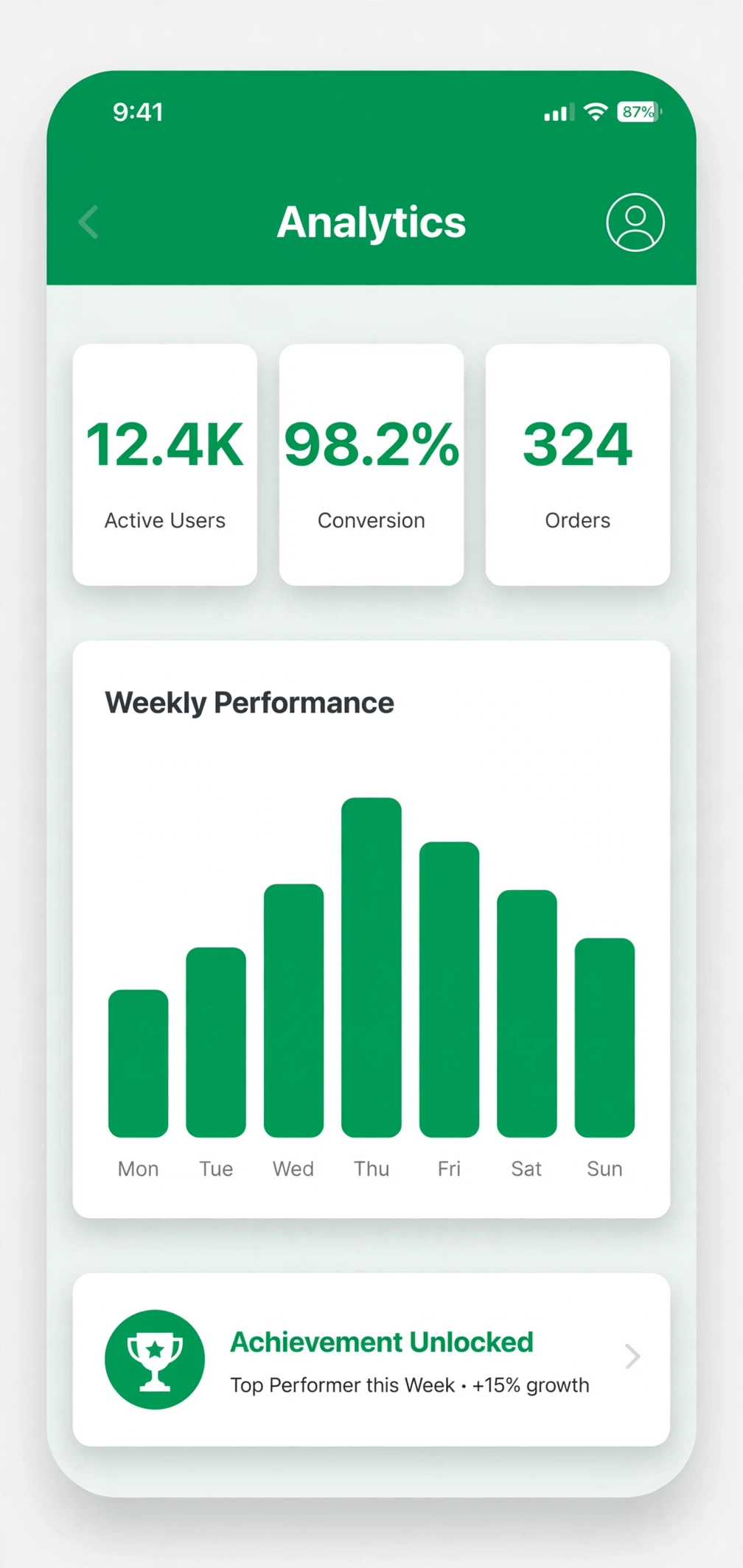
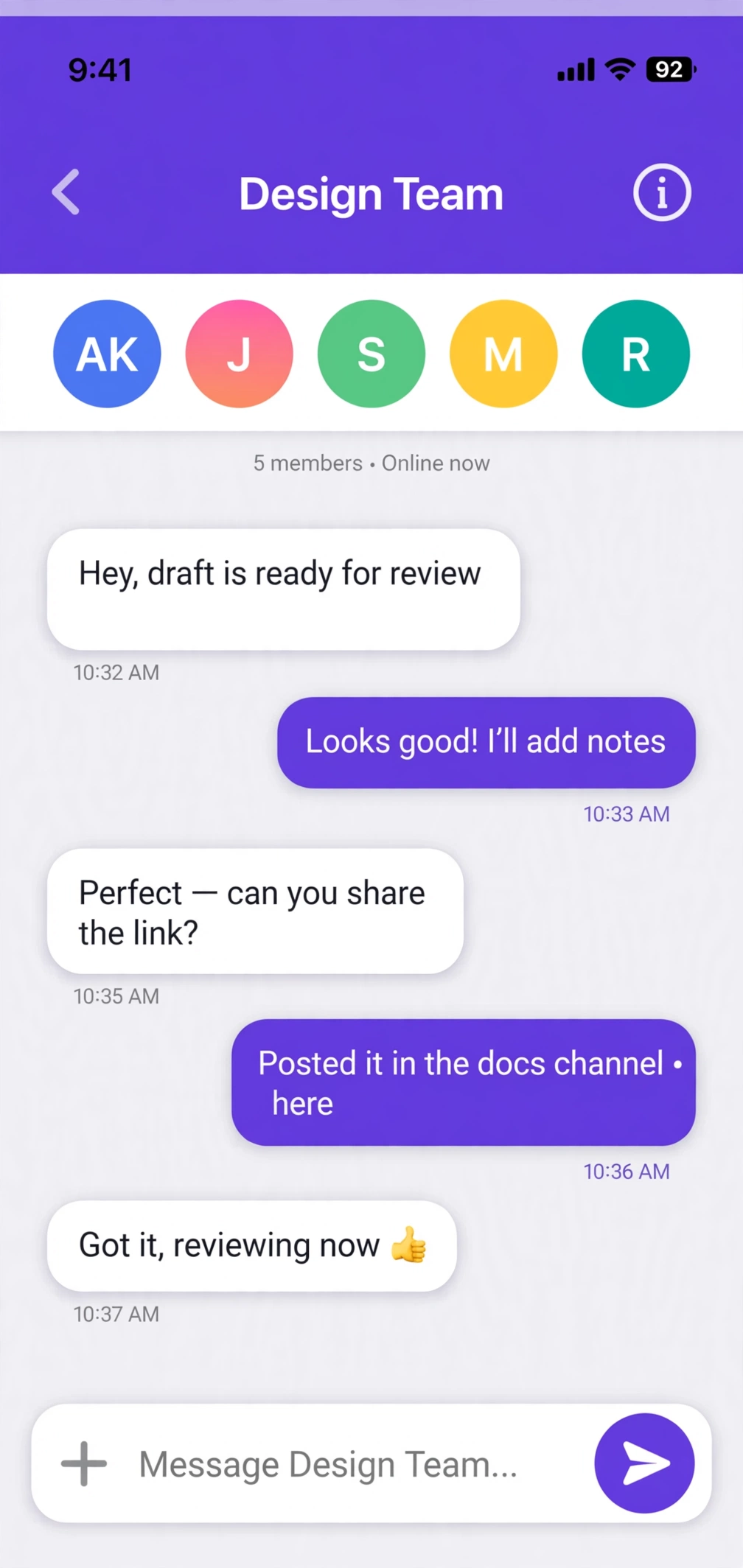
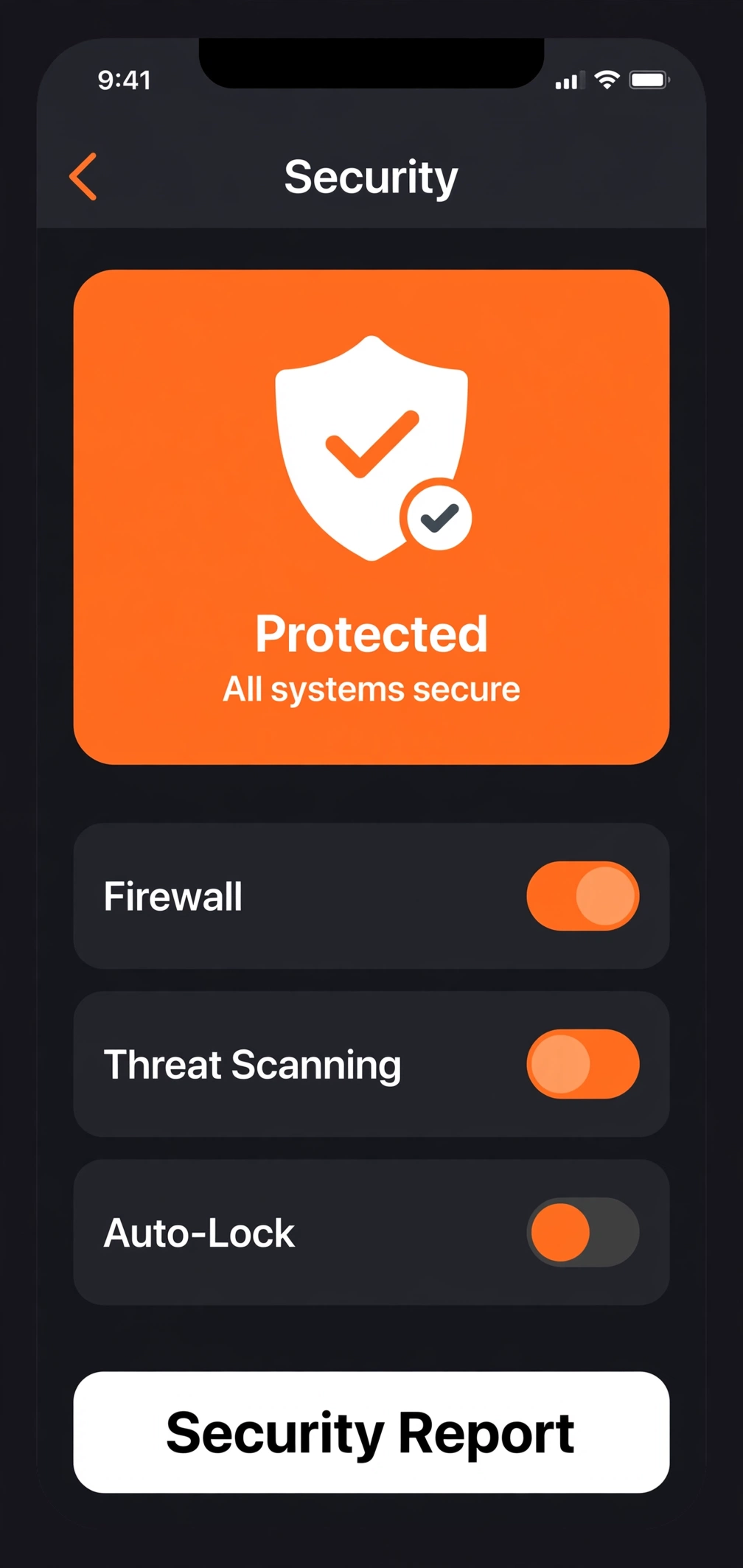
Examples
How to make iPhone screenshots
Upload screenshots
Add a scene per screenshot and drop in your app's PNGs — or start from the demo set.
Edit the design
Pick a device canvas, choose a template, rewrite headlines in place, drag layers into place.
Export the set
Download full-resolution PNGs as a ZIP, ready to upload to the store.
iPhone FAQs
What size should iPhone App Store screenshots be?
For the 6.9-inch display, Apple expects 1320×2868 px. Creestion's iPhone canvas is exactly that size, so what you design is what you upload — no resizing, no surprises.
How many screenshots can I upload to the App Store?
Apple allows up to 10 screenshots per device size. Creestion lets you design and reorder a full set of 10, then export them all at once as a ZIP.
Do I need to create an account?
No. Creestion runs entirely in your browser. Your screenshots never leave your device — there is no signup, no upload to a server, nothing to delete later.