Microsoft Store Screenshot Maker
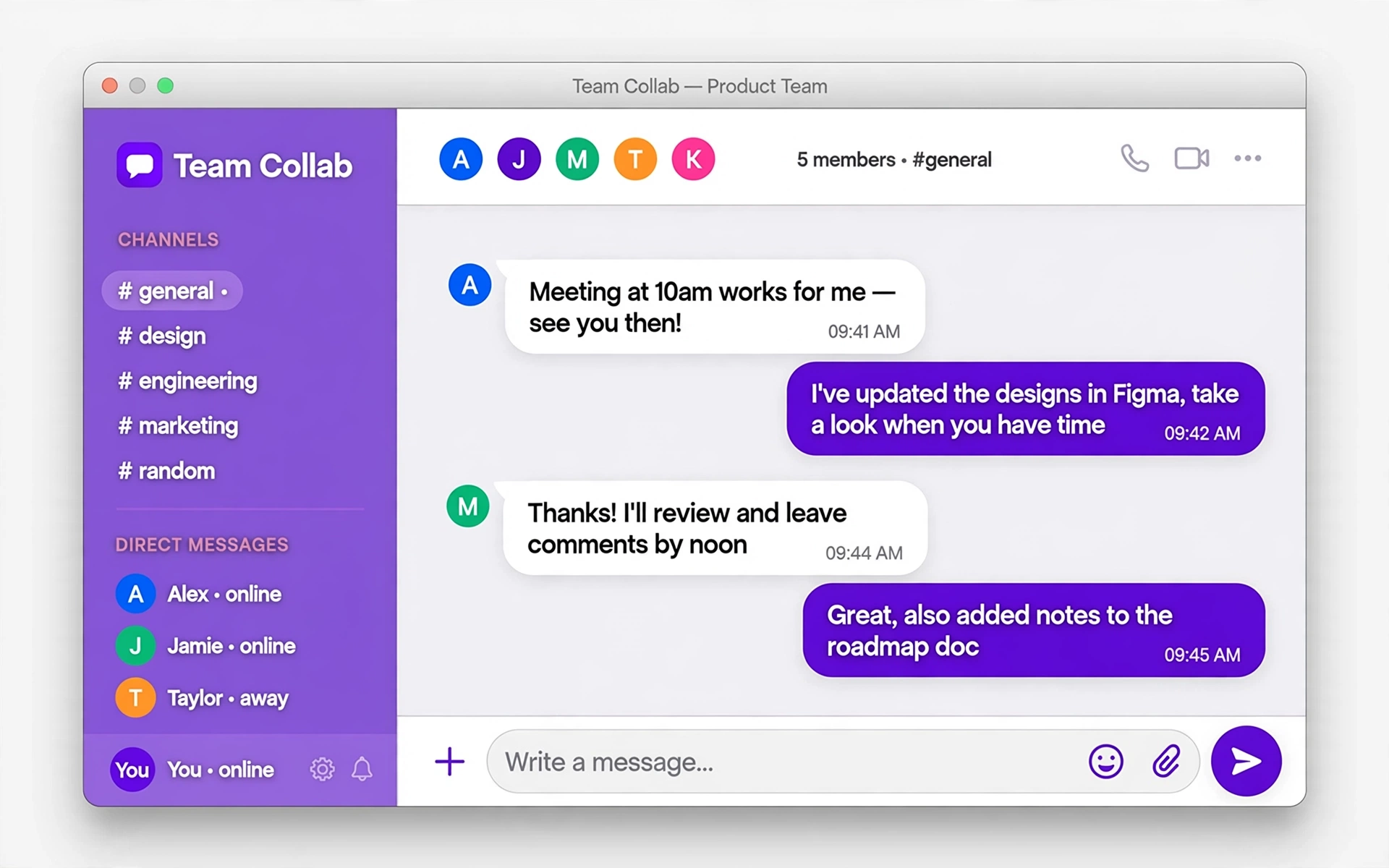
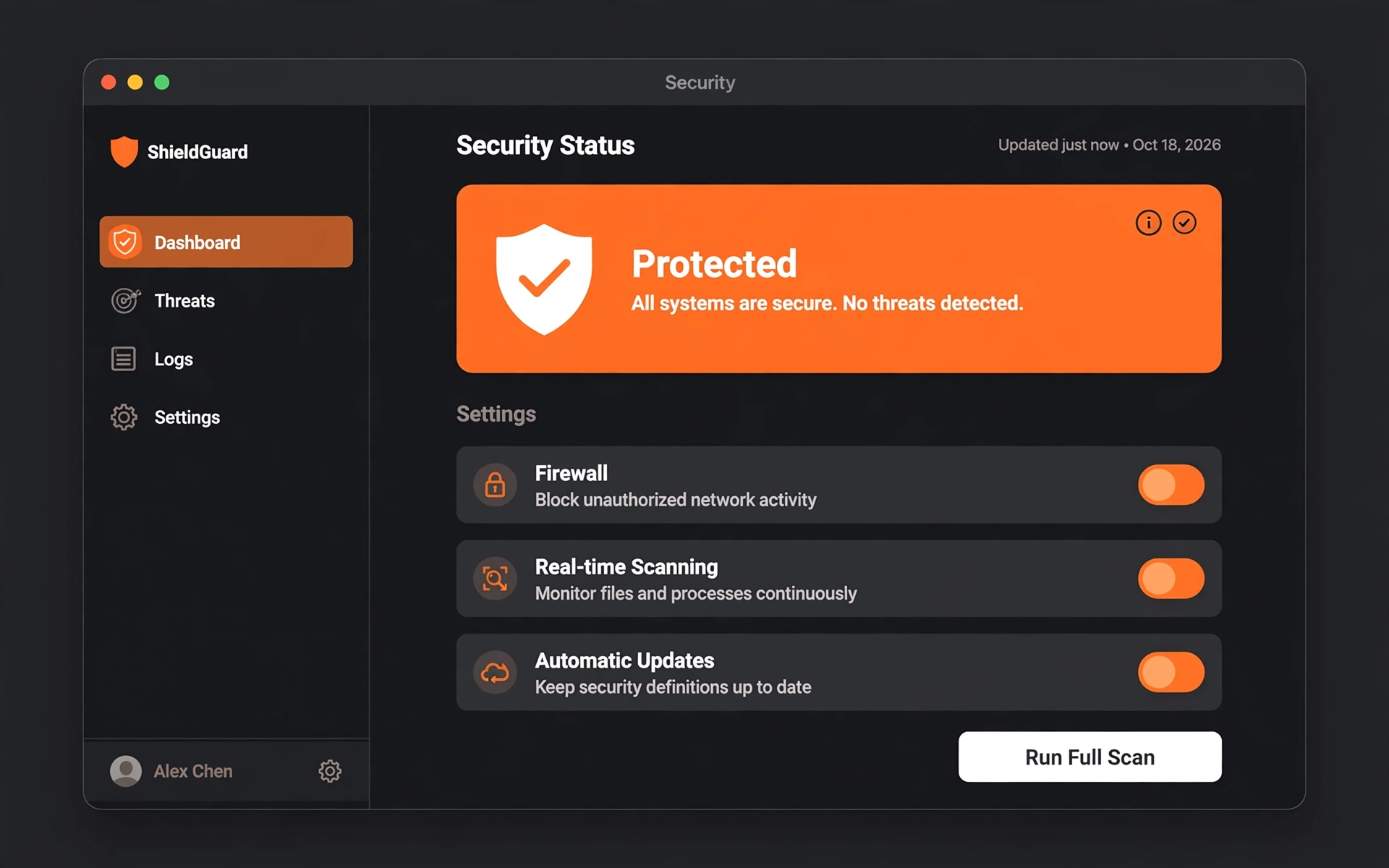
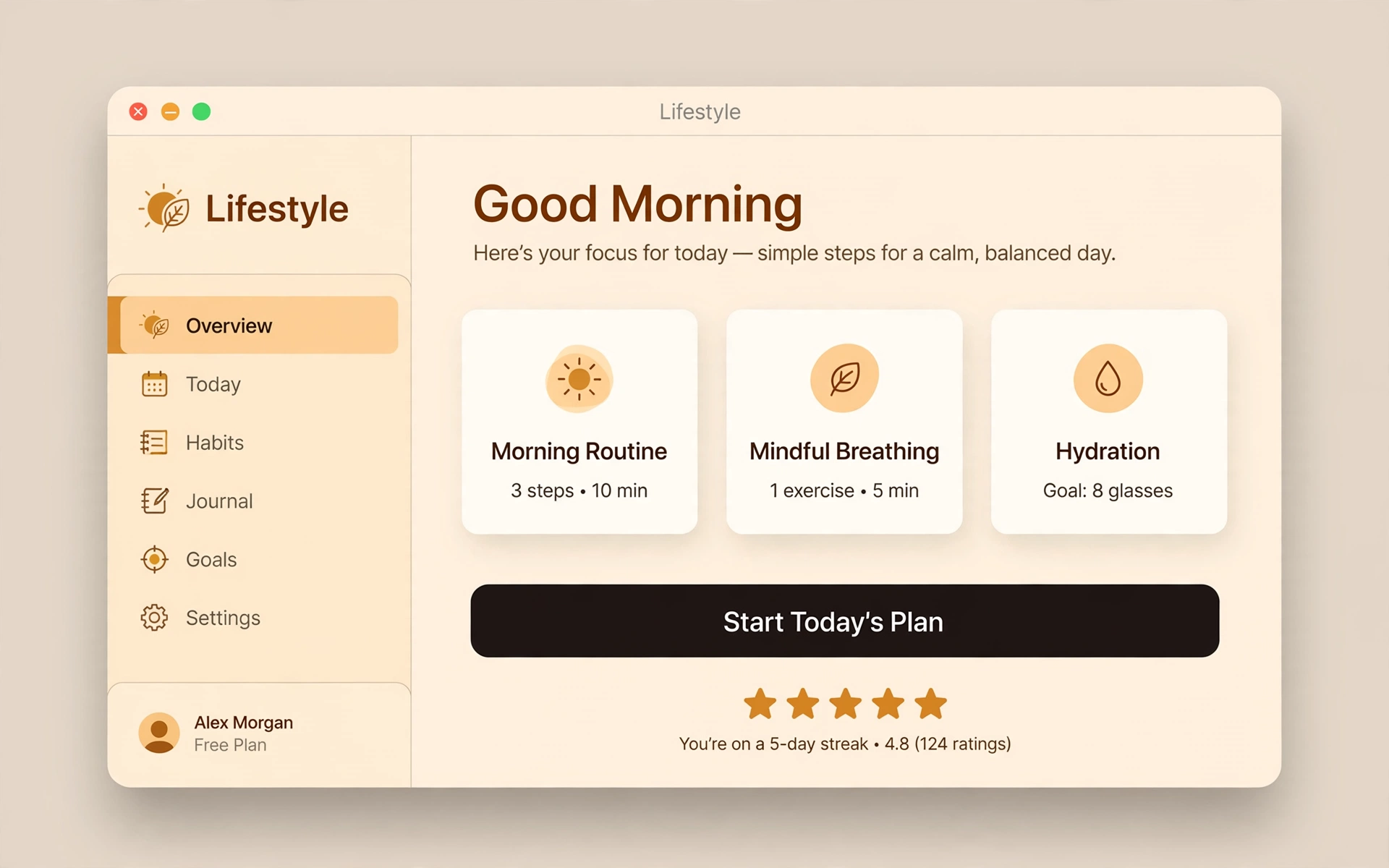
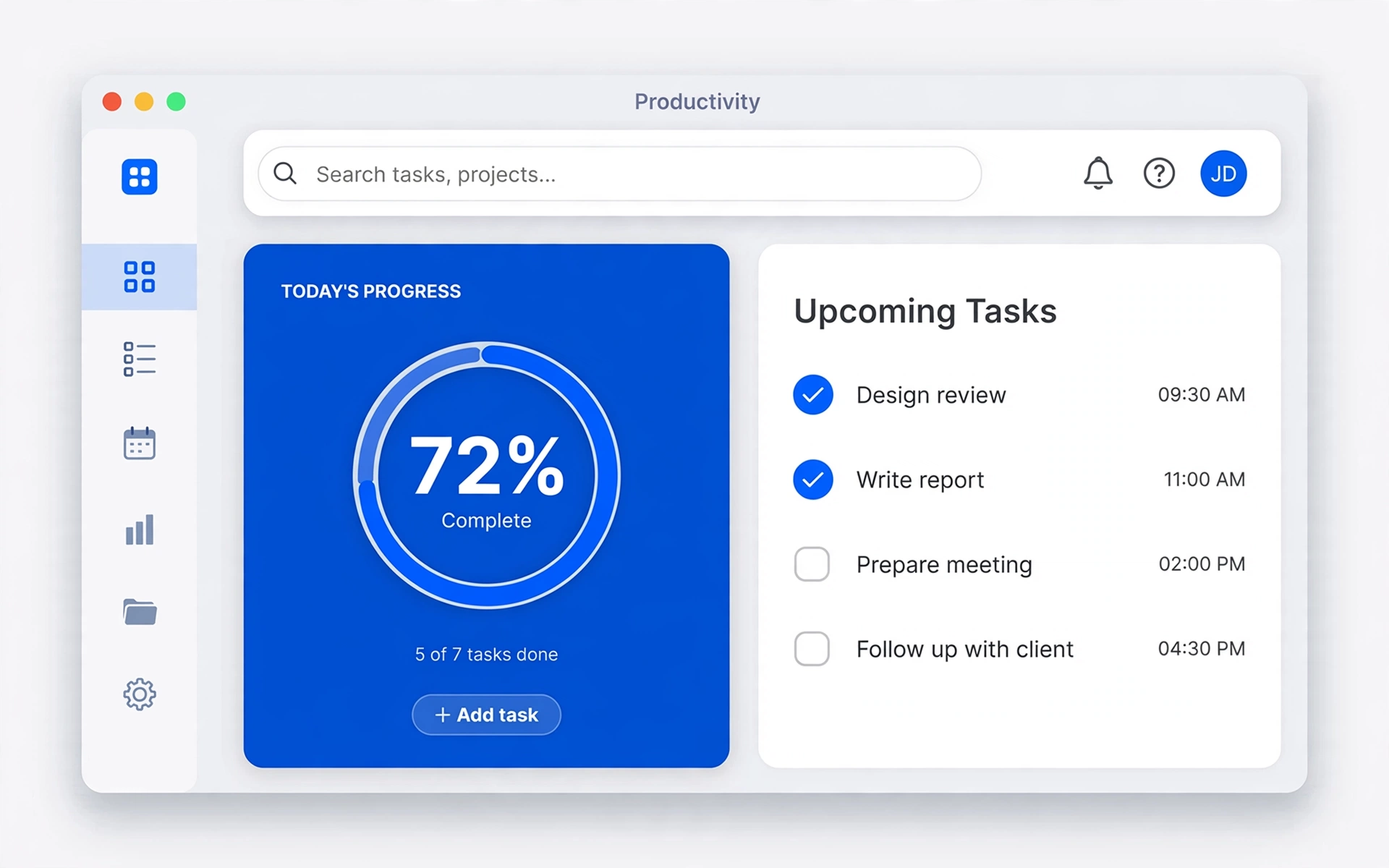
Make your Microsoft Store listing look 4K-sharp. Creestion's Windows canvas is 3840×2160 — full 4K at 16:9 — so your screenshots hold up on the biggest displays.
Microsoft Store requirements, handled
| Canvas size | 3840 × 2160 px |
|---|---|
| Device | 16:9 |
| Aspect ratio | 16:9 |
| Store | Microsoft Store |
| Screenshots per listing | 10 |
| Export format | PNG |
Examples
How to make Windows screenshots
1
Upload screenshots
Add a scene per screenshot and drop in your app's PNGs — or start from the demo set.
2
Edit the design
Pick a device canvas, choose a template, rewrite headlines in place, drag layers into place.
3
Export the set
Download full-resolution PNGs as a ZIP, ready to upload to the store.
Windows FAQs
What size are Microsoft Store screenshots?
The Microsoft Store supports desktop screenshots from 1366×768 up to 4K 3840×2160. Creestion's Windows canvas is 3840×2160, so one design covers every display.
What image format does the Microsoft Store want?
PNG. Creestion exports every screenshot as a full-resolution PNG, zipped and ready to upload.
Is there a watermark on exports?
Never. Exports are clean, full-resolution PNGs with no watermark and no account required.